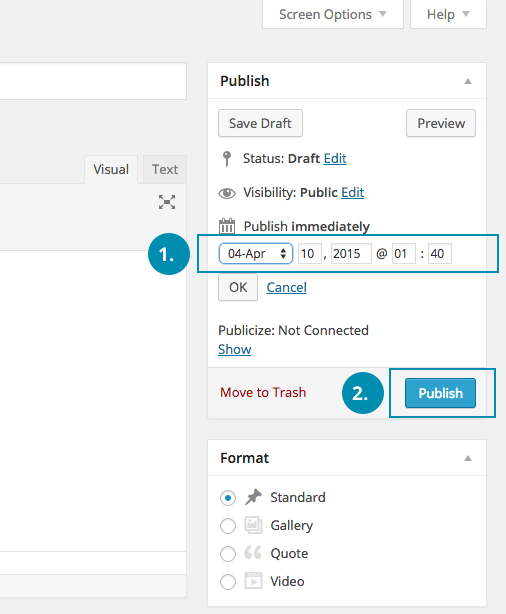
-
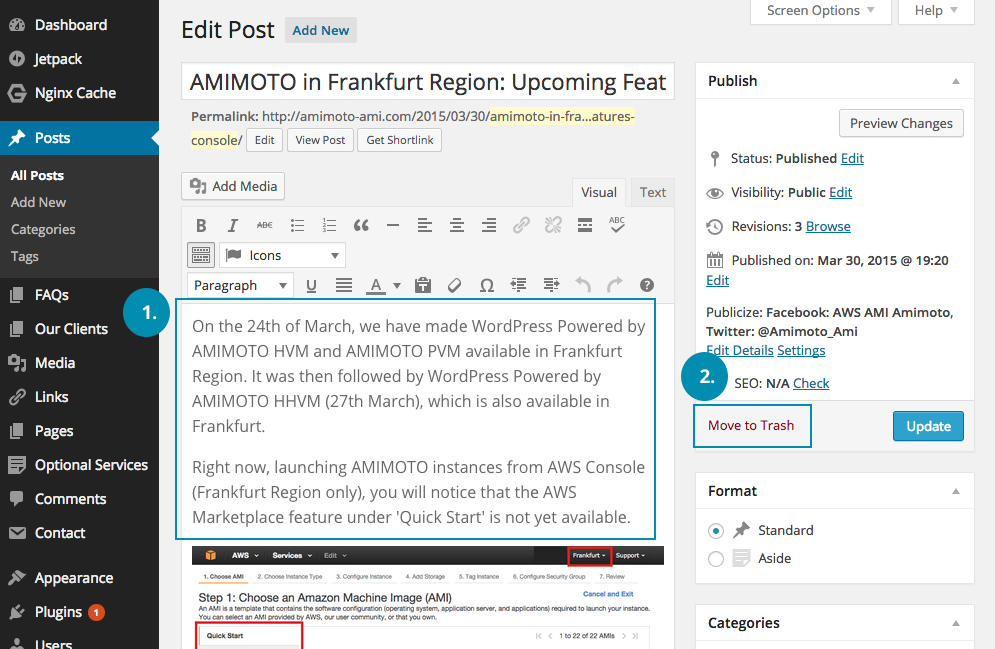
From “All Posts”, select an article you would like to edit.
-
Edit the article, or
-
Move to Trash if you would like to delete.
Other way(s) to delete posts:
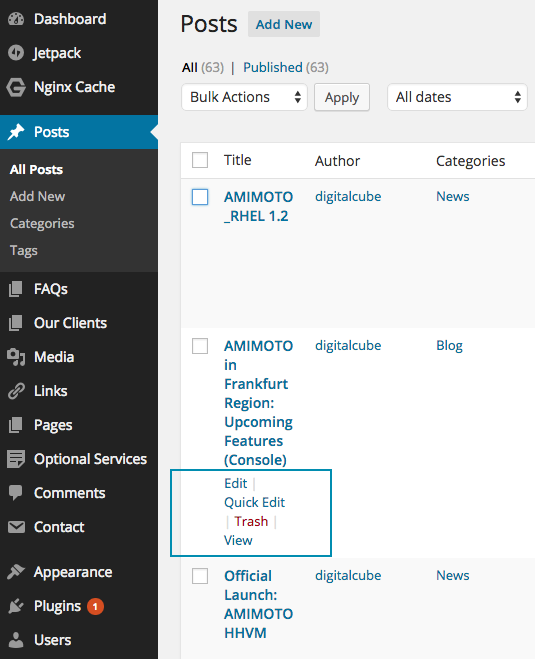
- In “All Posts”, select an article and click Edit, Quick Edit, Trash or View.
Delete Multiple Posts at Once
-
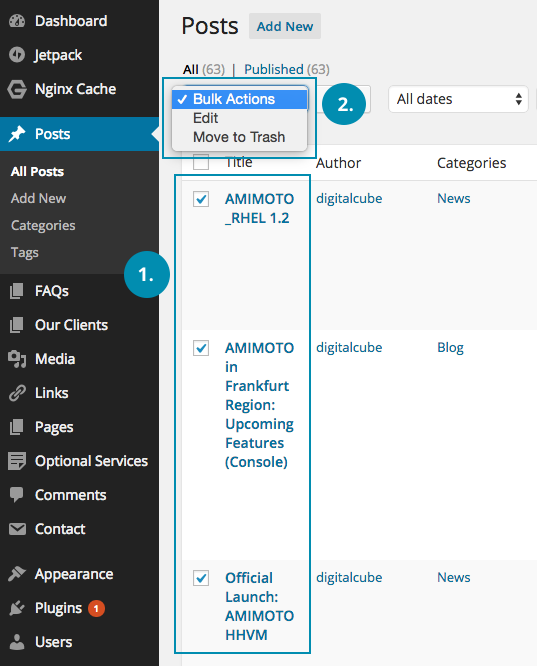
Select the articles you would like to delete.
-
At the dropdown menu, select “Bulk Actions”. Click “Move to Trash” to delete or “Edit” to revise articles.