-
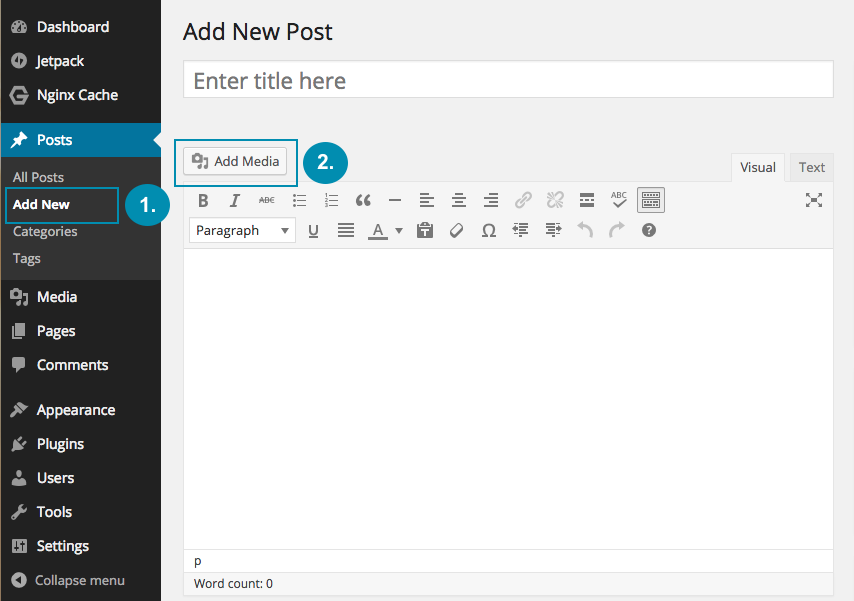
At the Dashboard, click on “Posts” then “Add New”.
-
Click “Add Media”
-
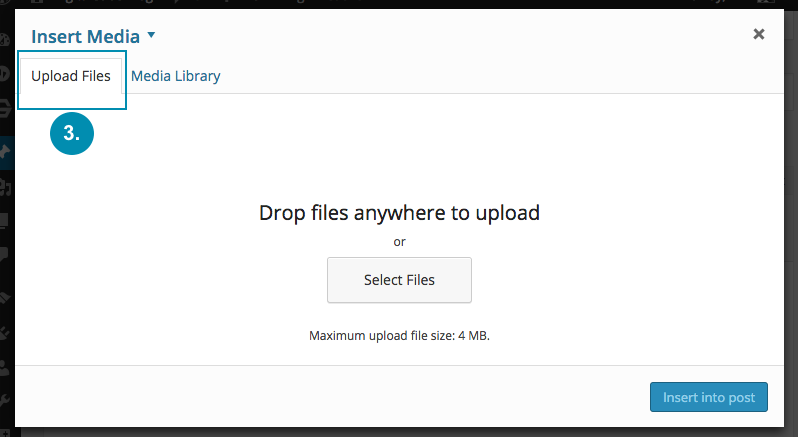
Click “Upload Files”
-
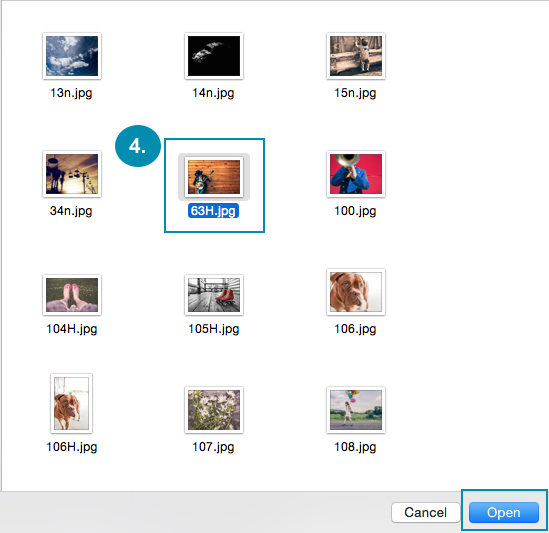
Select image from your PC.
-
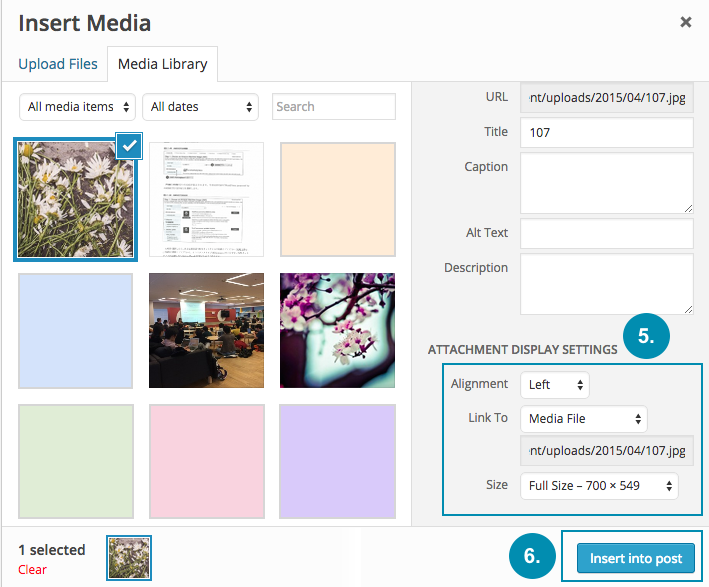
Select image alignment and size.
-
Then click “Insert into post”.
-
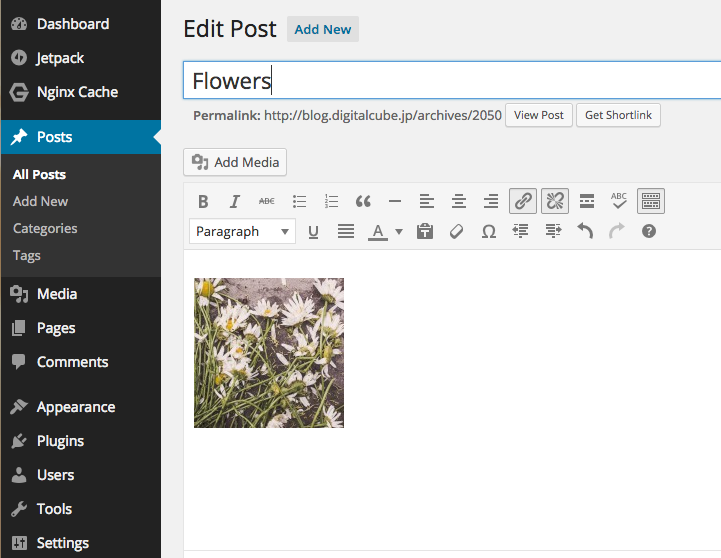
You will see your selected image in your post.