-
Go to Gravatar.

-
Click “Create your own Gravatar”
-
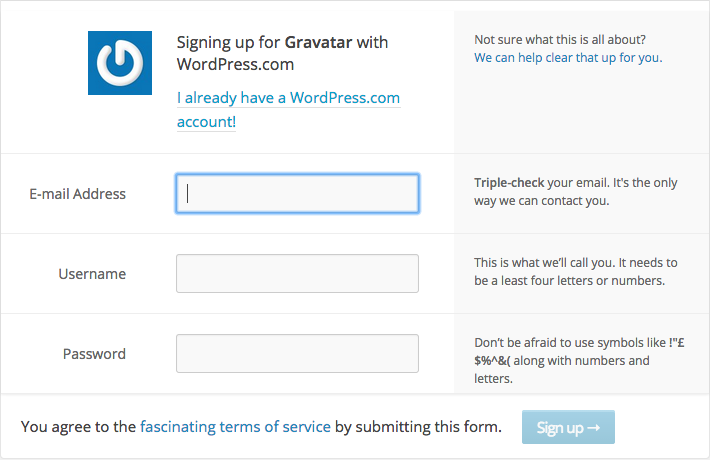
Enter the necessary information such as your email address, username and password. Then click “Sign Up”.
-
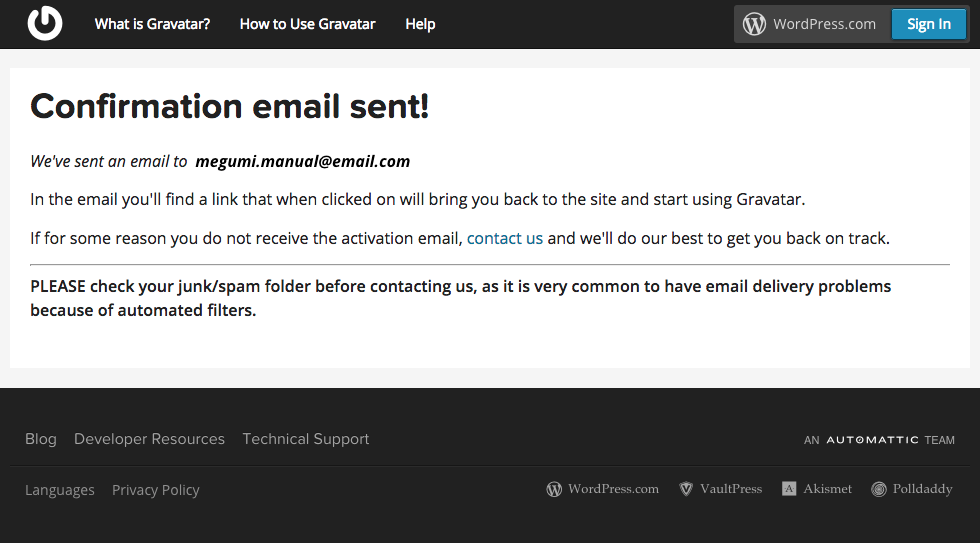
Check your mailbox.
-
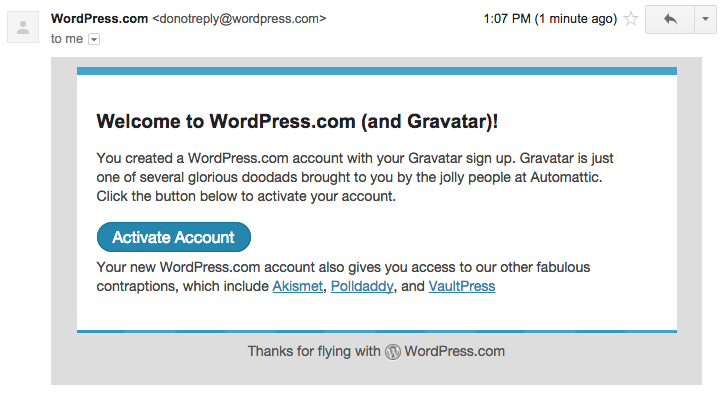
Click “Activate Account”.
-
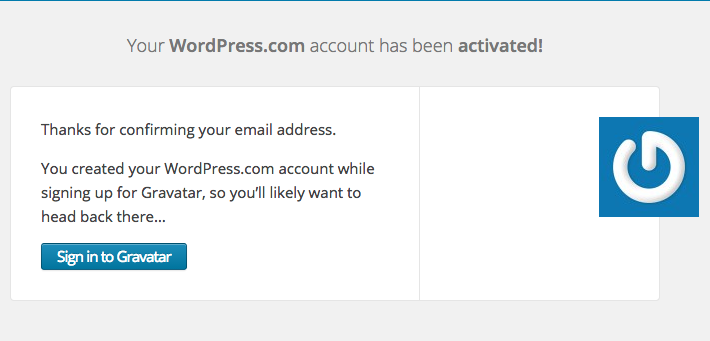
Sign In to Gravatar.
-
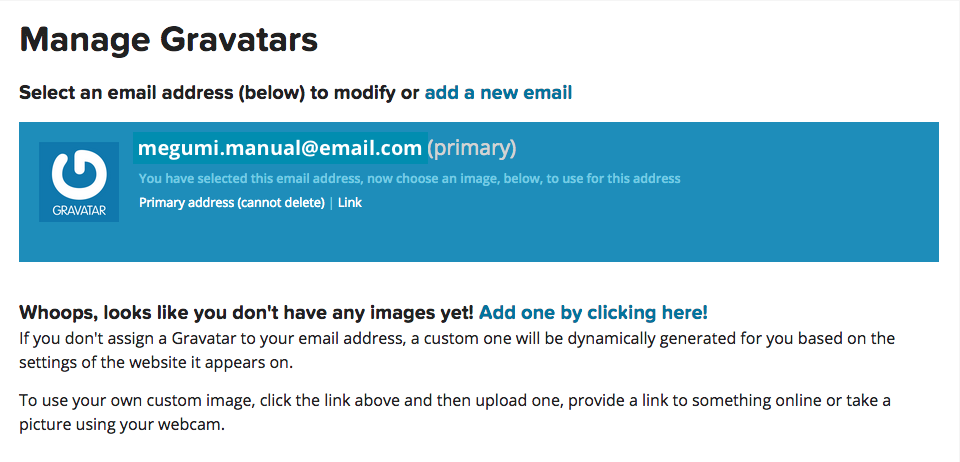
Add New Image
-
Select where to get the image from.
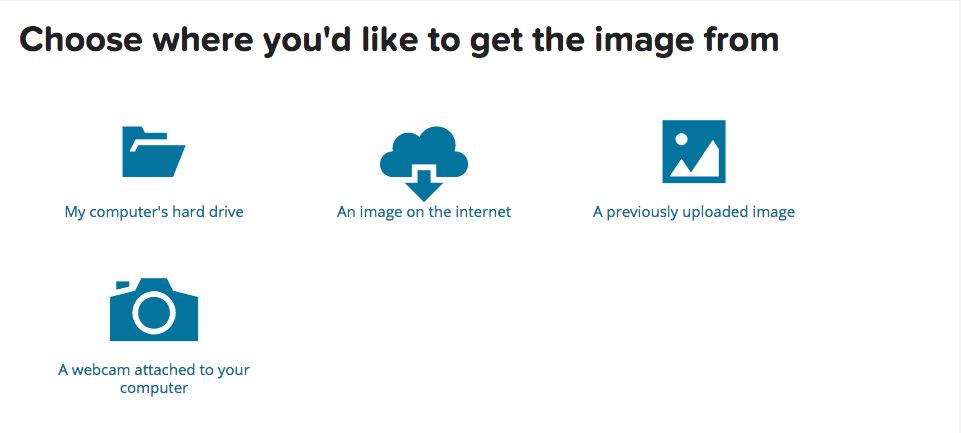
Let’s try to get an image from the computer.
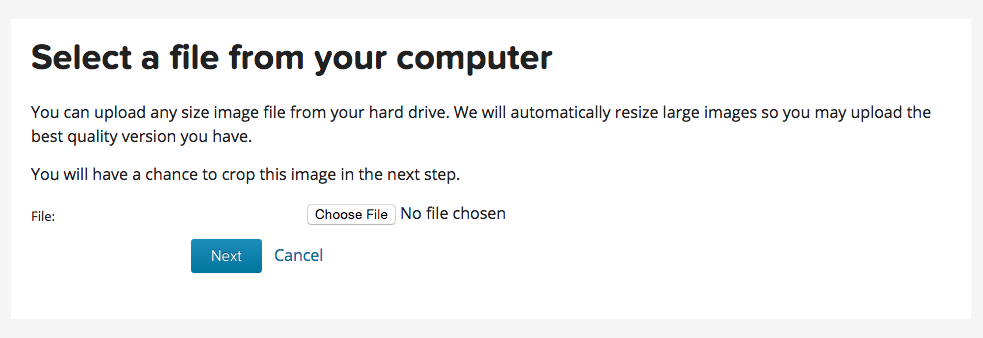
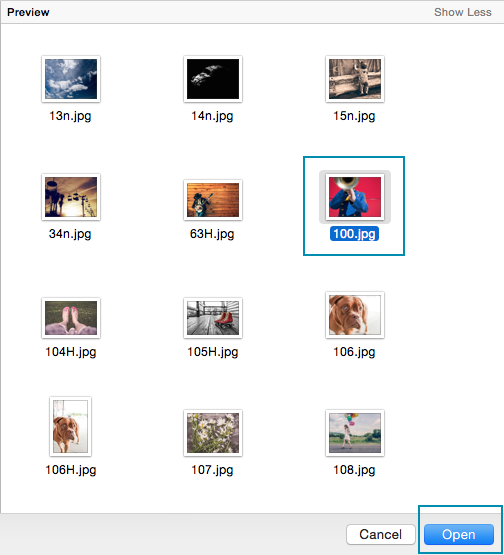
Click Next. -
Crop your photo
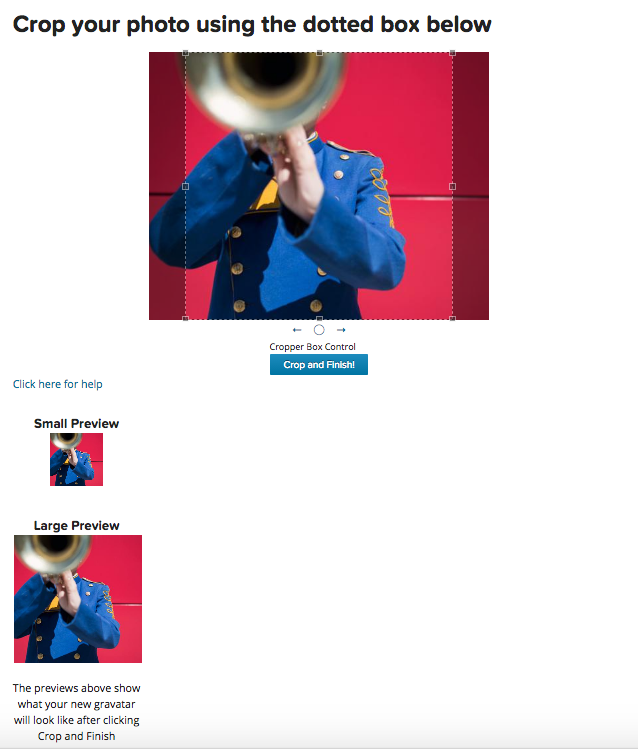
-
Choose a rating for your Gravatar:
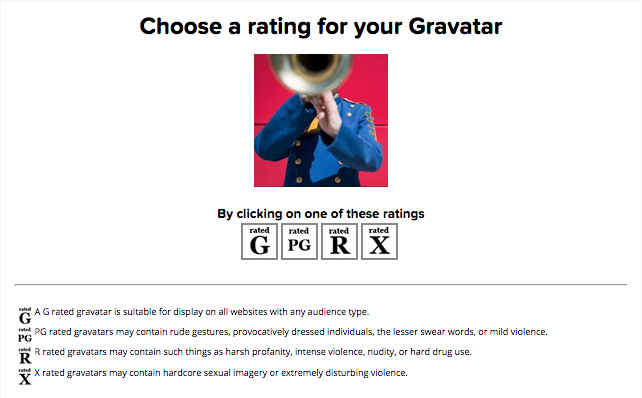
-
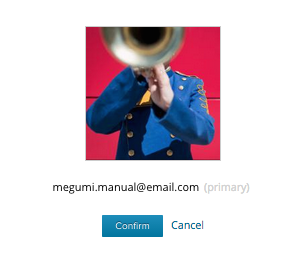
And you’re all done!